
RSS feeds are a pull-based technology that delivers published content from multiple websites directly to a single reader app, in strict reverse chronological order, without algorithmic filtering. When you use RSS feeds for news aggregation, you replace scattered browsing, cluttered inboxes, and social media timescales with one clean, source-controlled feed. Tools like Feedly, Inoreader, and AI-enhanced options such as Nutshell make this practical for anyone. Dedicated RSS readers save 4–5 hours weekly by cutting out manual browsing and newsletter management. That is not a marginal gain. It is a genuine shift in how you consume information.
What are the basic requirements and tools for using RSS feeds?
Getting started with RSS aggregation requires three things: a list of sources you trust, a reader app that suits your habits, and about ten minutes. The setup process takes under 10 minutes for most readers, covering app selection, feed URL entry, and first import. That low barrier is one reason RSS has outlasted dozens of competing formats.
Types of RSS reader
RSS readers fall into three broad categories. Traditional desktop apps like NetNewsWire store feeds locally and work offline. Cloud-based readers like Feedly and Inoreader sync across devices and offer free tiers with generous feed limits. AI-powered digest tools such as Nutshell and Feedrabbit go further by summarising large volumes of articles into daily briefings, which suits readers who track dozens of sources but cannot read every item.

How to find RSS feed URLs
Not all sites advertise their RSS feeds clearly, but most still publish them. The most common URL patterns are /feed, /rss, and /atom.xml appended to a domain. Browser extensions like RSS Feed Reader for Chrome detect feeds automatically on any page you visit. Inoreader also includes an auto-discovery feature that finds feeds when you paste a website URL into the search bar.
Comparing popular RSS tools
| Tool | Type | Free tier | Best for |
|---|---|---|---|
| Feedly | Cloud reader | Yes, up to 100 feeds | General news tracking |
| Inoreader | Cloud reader | Yes, with email-to-RSS | Power users and filters |
| NewsBlur | Cloud reader | Yes, limited | Developers and privacy-focused readers |
| Nutshell | AI digest | Limited free access | High-volume summarisation |
| Feedrabbit | AI digest | Yes | Email-style daily digests |
Pro Tip: Start with 5–10 high-quality feeds rather than importing everything at once. Overloading with low-quality feeds is the single most common reason readers abandon RSS within a week.
How do you subscribe to and organise RSS feeds efficiently?
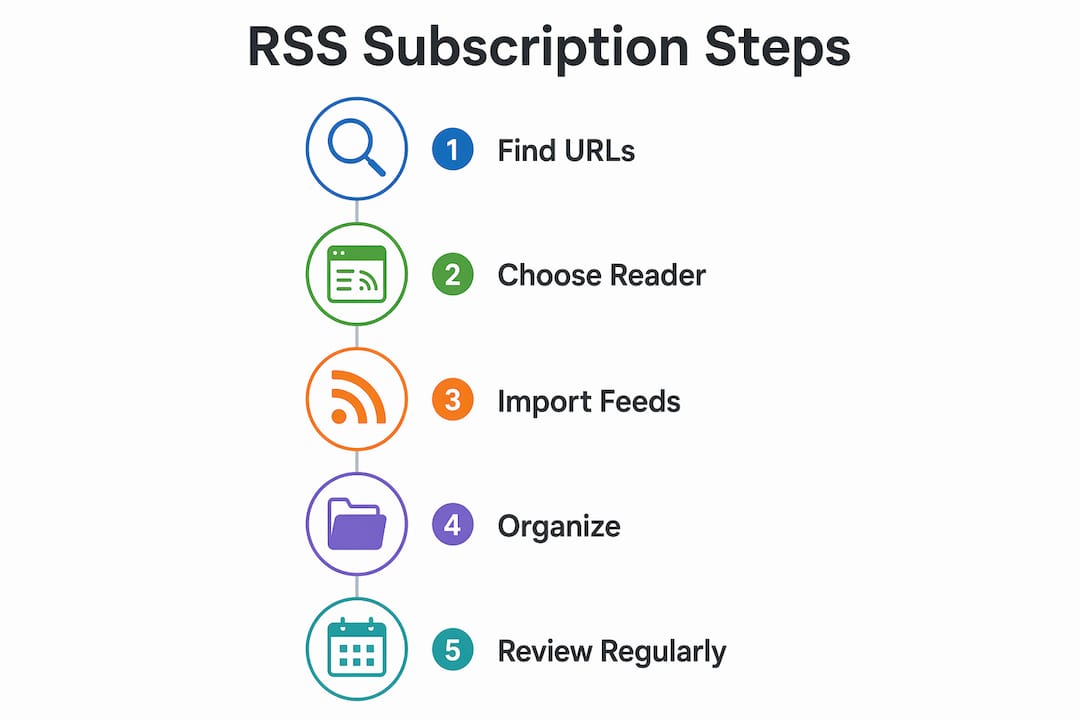
Subscribing to an RSS feed takes four steps. Each one is straightforward, and the whole process becomes automatic within a few sessions.
- Locate the feed URL. Visit the website you want to follow. Look for an RSS icon, check the page footer, or try appending
/feedto the domain. Use a browser extension if the feed is not visible. - Add the URL to your reader. Paste the feed URL into the “Add feed” or “Subscribe” field in Feedly, Inoreader, or your chosen app. The reader fetches the latest items immediately.
- Verify the feed is updating. Check that recent articles appear with correct dates. If the feed shows no items, the URL may be outdated or the site may have moved to a new feed address.
- Organise into folders. Create folders by topic, such as UK Politics, International Affairs, or Technology. Inoreader supports subfolders, which helps when tracking 30 or more sources across distinct subjects.
- Set keyword rules. Both Feedly and Inoreader let you create keyword filters that highlight or hide articles containing specific terms. This is particularly useful for political news, where a single topic can generate dozens of daily items across multiple outlets.
- Decide your reading frequency. Checking feeds once or twice daily is more productive than constant refreshing. Treat your RSS reader like email: open it at set times rather than leaving it running in the background.
Organising feeds into categories from the start prevents the clutter that drives most readers away. The key choice between granular RSS readers and AI-enhanced aggregators depends on whether you want full source control or faster catch-up. Both approaches work. Most experienced readers use both.
Pro Tip: Mark all items as read at the end of each session, even if you have not read every article. Carrying over hundreds of unread items creates the same anxiety as an overflowing inbox.
Why are RSS feeds better than social media for news?
RSS feeds deliver 100% of published content in reverse chronological order, with no engagement-based filtering. That distinction matters more than it sounds. On platforms like X or Facebook, an algorithm decides which articles reach you based on predicted engagement, not editorial relevance. Nuanced analysis, long-form reporting, and minority viewpoints are routinely suppressed because they generate fewer clicks. RSS removes that layer entirely.
The privacy advantage is equally significant. RSS is natively private because it is pull-based. Your reader requests content from a server without sending personal data, browsing history, or behavioural signals. Social media feeds, by contrast, use tracking pixels and cookies to profile you and then sell that profile to advertisers. With RSS, the source knows only that someone fetched the feed, not who or why.
“RSS users curate their own information diet unlike typical internet users accustomed to algorithm-curated social feeds, requiring intentional source selection for success.” — DEV Community
The benefits of RSS over social media and traditional news apps include:
- No suppression. Every article from every subscribed source appears, regardless of its engagement potential.
- No echo chamber by default. You choose sources deliberately, which makes it easier to avoid algorithm-driven echo chambers that social platforms create passively.
- Chronological clarity. You always know what is new and what you have already seen.
- AI summarisation at scale. Modern aggregators integrate AI summarisation, using models like Ollama and OpenRouter to condense thousands of articles into daily digests. This raises the signal-to-noise ratio dramatically for heavy readers.
- Portability. Your feed list is yours. Export it as an OPML file and move it to any reader without losing your subscriptions.
A hybrid approach combining RSS readers with AI aggregators is the most effective workflow for readers who track both breaking news and specialist topics. Use an AI digest tool for high-volume general news and a traditional RSS reader for sources you want to read in full.
How do you fix common RSS feed problems?
RSS readers perform best when you actively manage subscriptions rather than letting them grow unchecked. The most common problems are feed clutter, missing updates, and information fatigue. Each has a direct fix.
- Too many feeds. If your unread count regularly exceeds what you can process, remove the lowest-value sources first. A feed that rarely produces articles you read is noise, not signal.
- Outdated or broken feeds. Sites occasionally change their feed URLs without redirecting old addresses. If a feed stops updating, try re-entering the site URL into your reader’s auto-discovery tool. Inoreader flags broken feeds automatically.
- Newsletter overload. Email-to-RSS conversion moves newsletter content out of your inbox and into your reader as RSS items. Inoreader offers this natively. It keeps long-form content in one place without cluttering your email.
- Low-priority sources. Not every feed deserves full attention. Route lower-priority sources into a dedicated folder and batch-process them with an AI digest tool like Nutshell or Feedrabbit once a week.
Pro Tip: Schedule a monthly feed review. Remove any source you have not read in four weeks. A leaner feed list produces better reading habits and less fatigue.
RSS feed readers perform best when users actively manage subscriptions with regular review and curation, pruning noisy sources and balancing volume to avoid overwhelm. The readers who stick with RSS long-term are those who treat their feed list as a living document, not a set-and-forget archive. If you want a structured approach to building that list from scratch, the Whitebunnywabbit guide on building a personalised news feed covers source selection in detail.
Key takeaways
Using RSS feeds for news aggregation gives you source control, privacy, and chronological delivery that no social media platform or algorithmic news app can match.
| Point | Details |
|---|---|
| Time savings are real | Dedicated RSS readers save 4–5 hours weekly by replacing manual browsing and inbox management. |
| Setup is fast | Most readers complete the full RSS setup process in under 10 minutes. |
| Start small | Begin with 5–10 trusted sources to avoid information fatigue from the outset. |
| Privacy by design | RSS is pull-based, meaning your reader fetches content without sending personal data to sources. |
| Combine approaches | Use a traditional RSS reader for deep tracking and an AI digest tool for high-volume general news. |
What I have learned from years of RSS-based reading
RSS changed how I consume news more than any other single habit. The first thing I noticed was not the time saving, though that came quickly. It was the absence of anxiety. When your feed is chronological and source-controlled, you stop worrying about what the algorithm might be hiding from you.
The mistake I made early on was subscribing to too many sources at once. Within a fortnight, I had over 400 unread items and the reader felt like a second inbox. The fix was brutal but necessary: I deleted two thirds of my feeds and kept only the sources I genuinely read. That cull transformed the experience.
The combination I now rely on is Inoreader for political and international affairs sources I want to read in full, and an AI digest tool for the broader news cycle. The digest handles volume. The RSS reader handles depth. Together, they cover everything without the noise that comes from social media or push notifications. If you are concerned about the common mistakes that derail news consumption, the pattern is almost always the same: too many sources, too little curation.
RSS is not glamorous technology. It does not have a slick interface or a recommendation engine. What it has is reliability, transparency, and respect for your attention. That is worth more than any algorithm.
— John
Whitebunnywabbit and your news aggregation workflow
Whitebunnywabbit is built around the kind of deliberate, source-controlled news consumption that RSS makes possible.
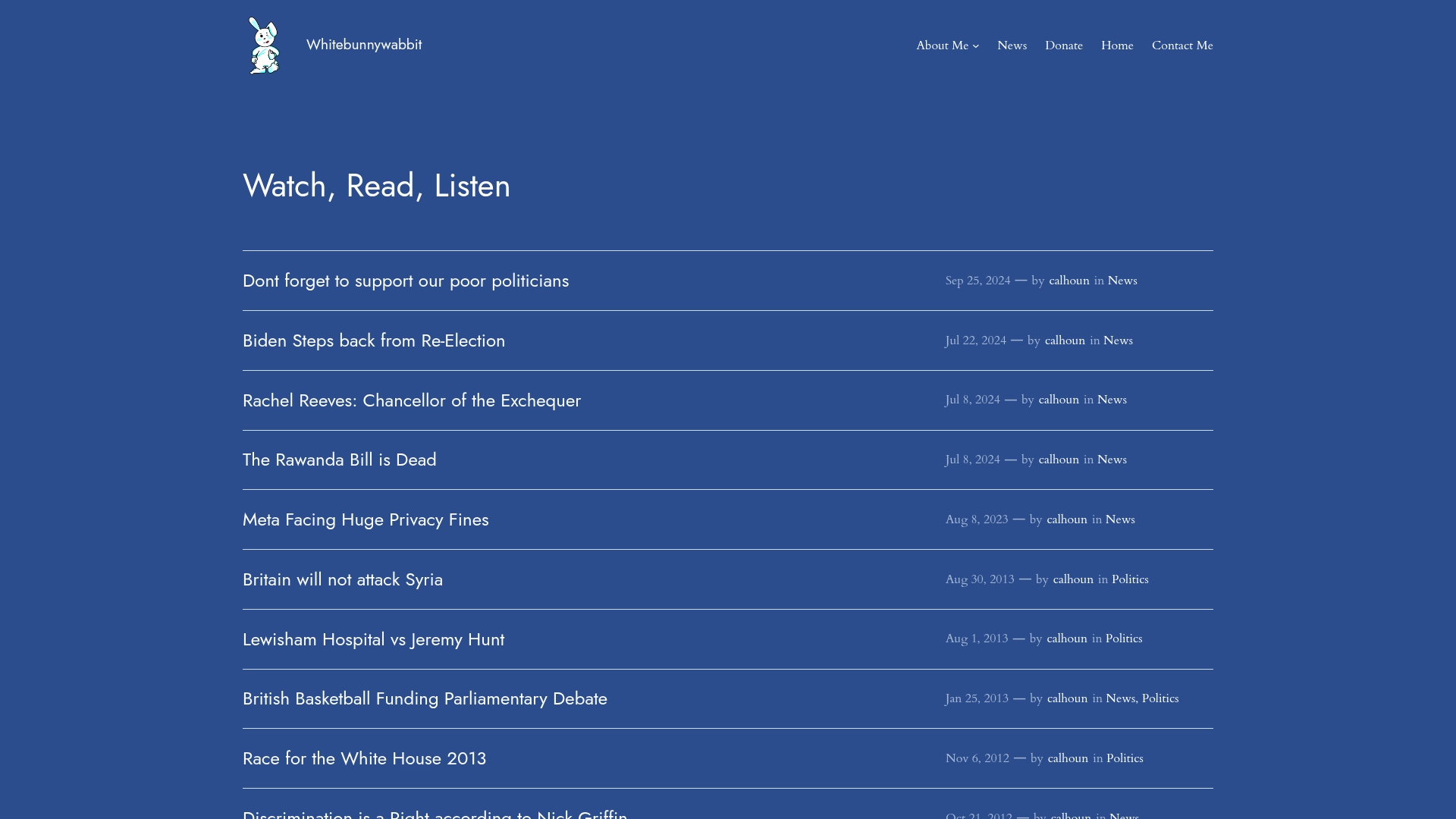
The site covers political analysis, international affairs, and current events without the noise of engagement-driven platforms. If you want to go further with your own reading workflow, the Whitebunnywabbit education section offers guides on media literacy and digital news habits. For a broader look at the tools and resources available, the Whitebunnywabbit main page is the right starting point. Both are worth bookmarking alongside your RSS reader.
FAQ
What is an RSS feed in simple terms?
An RSS feed is a file that a website updates automatically whenever new content is published. A reader app fetches that file and displays the new articles in one place, without you visiting each site individually.
How long does RSS feed setup take?
The full setup process, including choosing a reader, finding feed URLs, and importing sources, takes under 10 minutes for most readers.
Which RSS reader is best for beginners?
Feedly is the most accessible starting point for beginners, offering a free tier, a clean interface, and support for up to 100 feeds. Inoreader suits readers who want more control over filters and email-to-RSS conversion.
How many RSS feeds should I subscribe to?
Start with 5–10 high-quality sources and expand gradually. Subscribing to too many feeds at once is the leading cause of information fatigue and reader abandonment.
Is RSS more private than social media?
Yes. RSS is pull-based, meaning your reader requests content without transmitting personal data. Social media platforms use tracking pixels and cookies to profile readers and target advertising, which RSS does not do.
Leave a Reply